Every hour counted once
Idle, lock and sleep never overlap.
Duskan is an automatic time tracker that shows you where your day really goes.
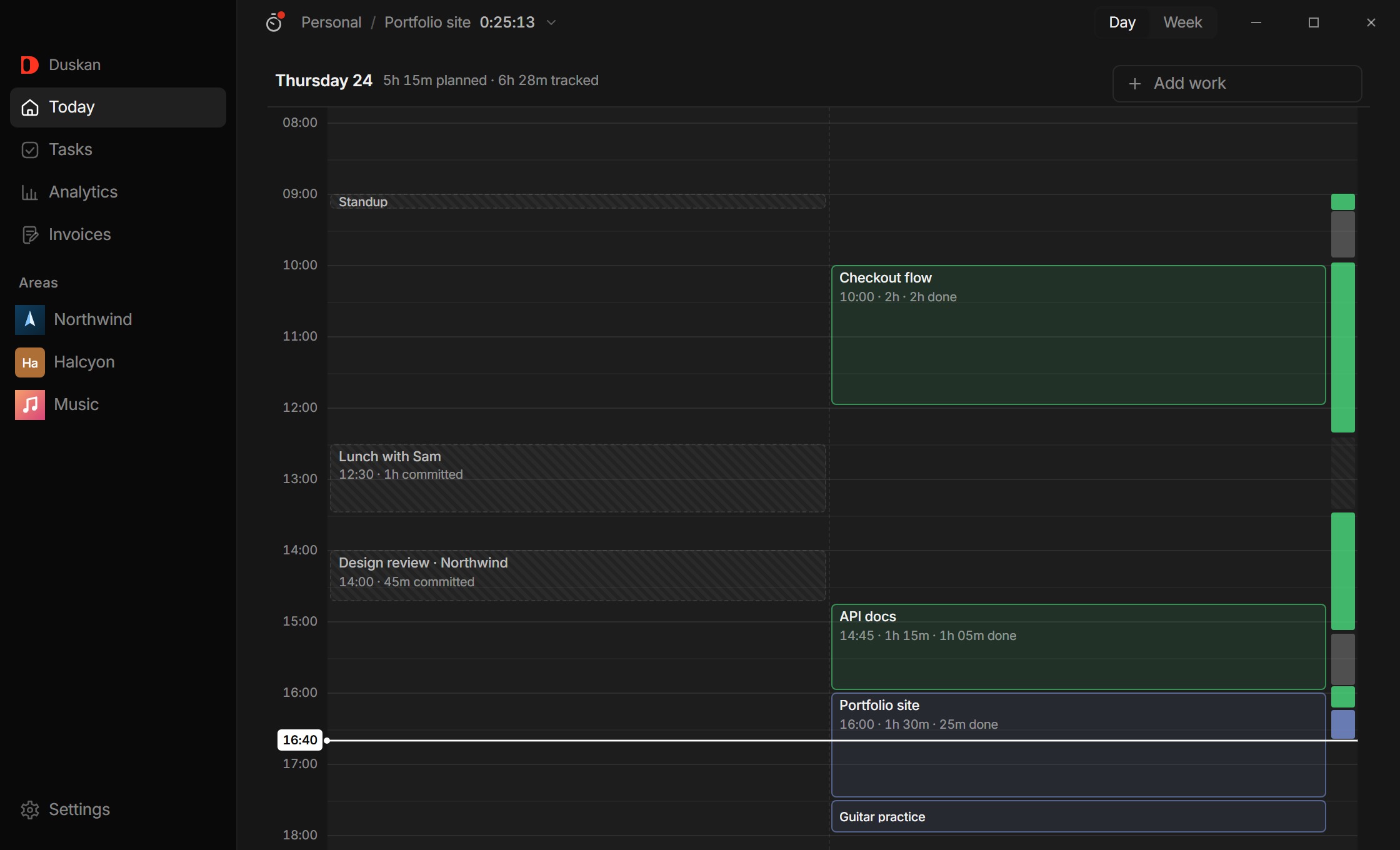
Anyone can start a timer. The hard part is the hour still being right hours later.
Idle, lock and sleep never overlap.
Forget to punch out and Duskan closes it at your last keystroke.
Months of history, by app or area.
Tracked tasks, pulled straight into a draft.
The day you intended, next to the day you had.
Collapses until you reach for it.
Drop tasks onto today and stretch them to the time you mean to give them. Punch in on one and the clock starts.
Close the window and get on with it. A small widget keeps the clock while Duskan follows the active window and sets idle time aside on its own.
Back at the day, time that ran without a task shows up grey. Drag along it, pick the task, and the record matches what really happened.
A record of how you spend your hours is some of the most personal data there is. Duskan is local-first: tracking, storage and analysis all happen on your machine, and nothing ever leaves it. We couldn't see your data even if we wanted to.
No. All tracking and storage happen locally on your machine, with no account and no telemetry. It works fully offline and we never see your data.
Yes. Tracking, planning, analytics and invoices are free on Windows 10 and 11, with no account required.
No. Duskan is for your own time first — uni, side projects, whatever you do. If an area pays, mark it billable and its tracked tasks can become an invoice, saved as a PDF.
Start tracking today and see your first honest day within the hour. Free, local-first, and no account needed.
Windows 10/11 · ~60 MB · Free · No account needed